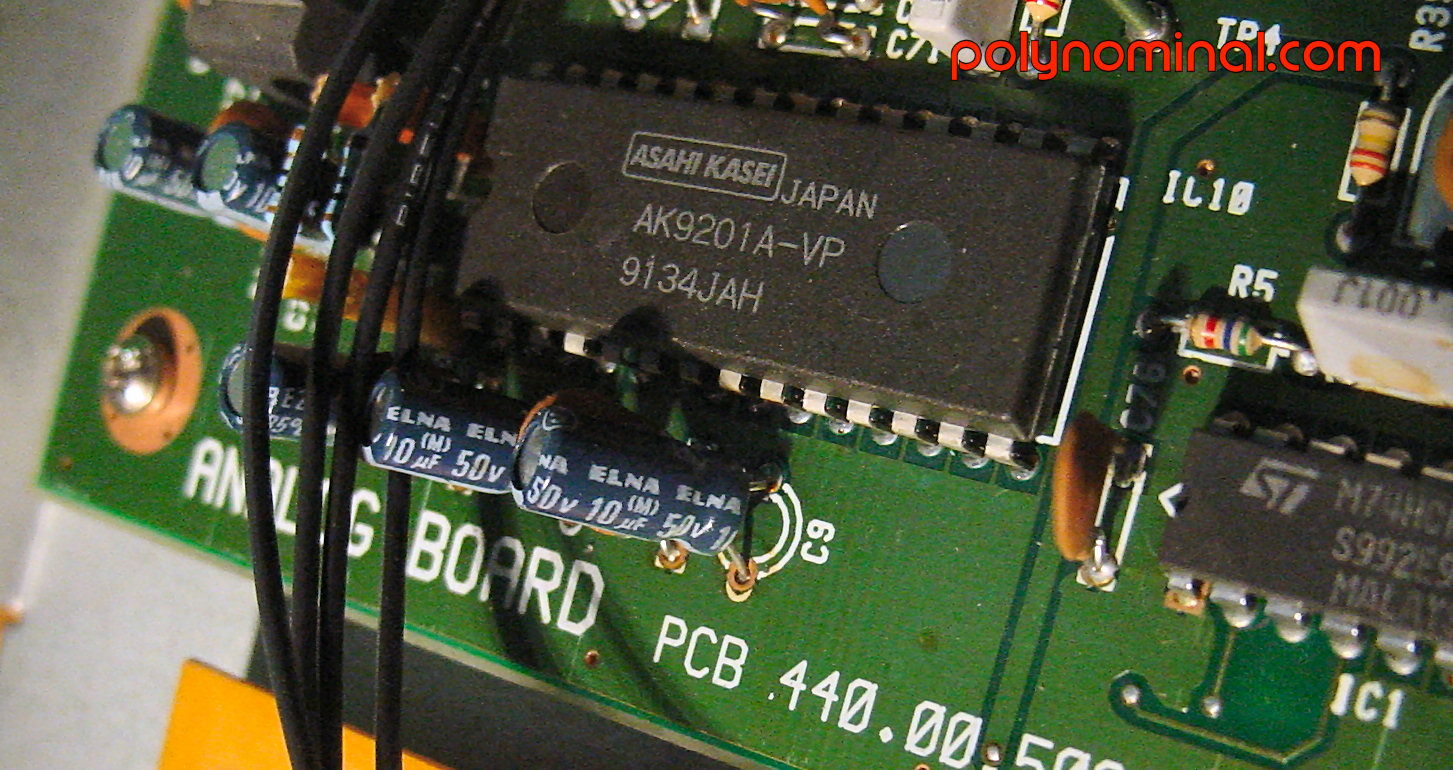
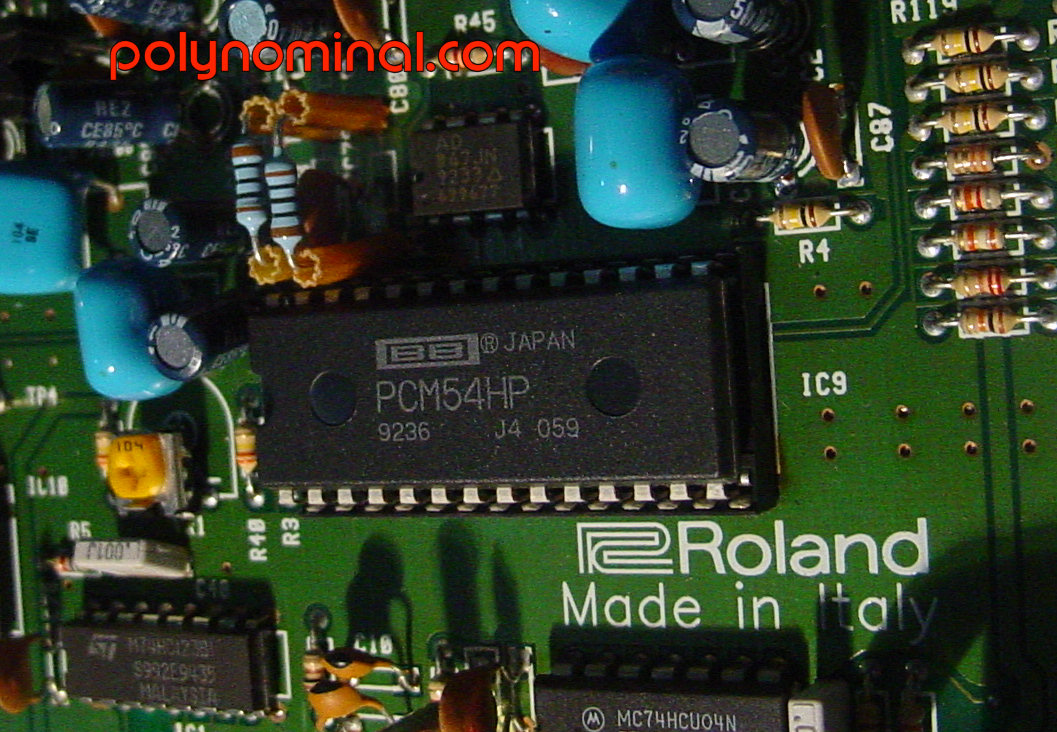
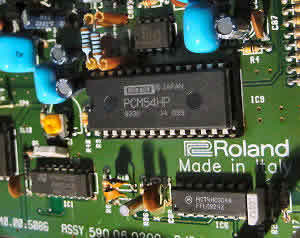
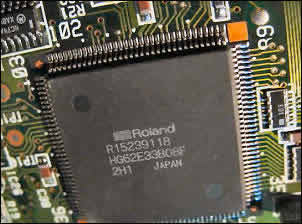
VOICE sampler module based on Roland "SP technology" - ADC is based on a Asahi Kasei Microsystem AK9201AVP, DAC is a standard Burr Brown PCM54HP.
The JS-30 handles up to 8 voices polyphony and 2 sound generations:
 |
- PCM internal wavetable (rompler)
- Sampling
|
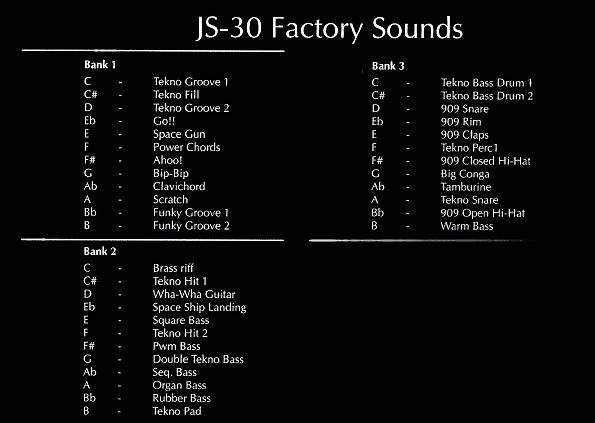
 PCM WAVETABLE the internal ROM contains 36 preset PCM samples mainly recorded from 90' dance with some TR-909 samples - Here the full PCM wavetable list
 |
 TIP: no way to modify the ROM PCM content TIP: no way to modify the ROM PCM content |
 SAMPLING system can record at both16 bits (no, there's NO 8 bits!) at fixed rate at 22 / 44 kHz.
The sample edit is really limited to 4 basic functions: loop, truncate, volume normalize and reverse sample.
|
Special CUE mode allows headphones preview for live set, then each sample has a user defined BMP tempo and can be assigned to individual pad or split by notes or triggered by Midi keyboard.
 Hear the original technoviking Hear the original technoviking
|
 SAMPLE IMPORT the JS30 can import samples using 2 ways:
 |
-
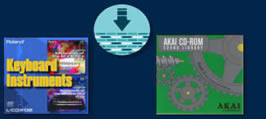
Standard Midi SDS dump samples.
-
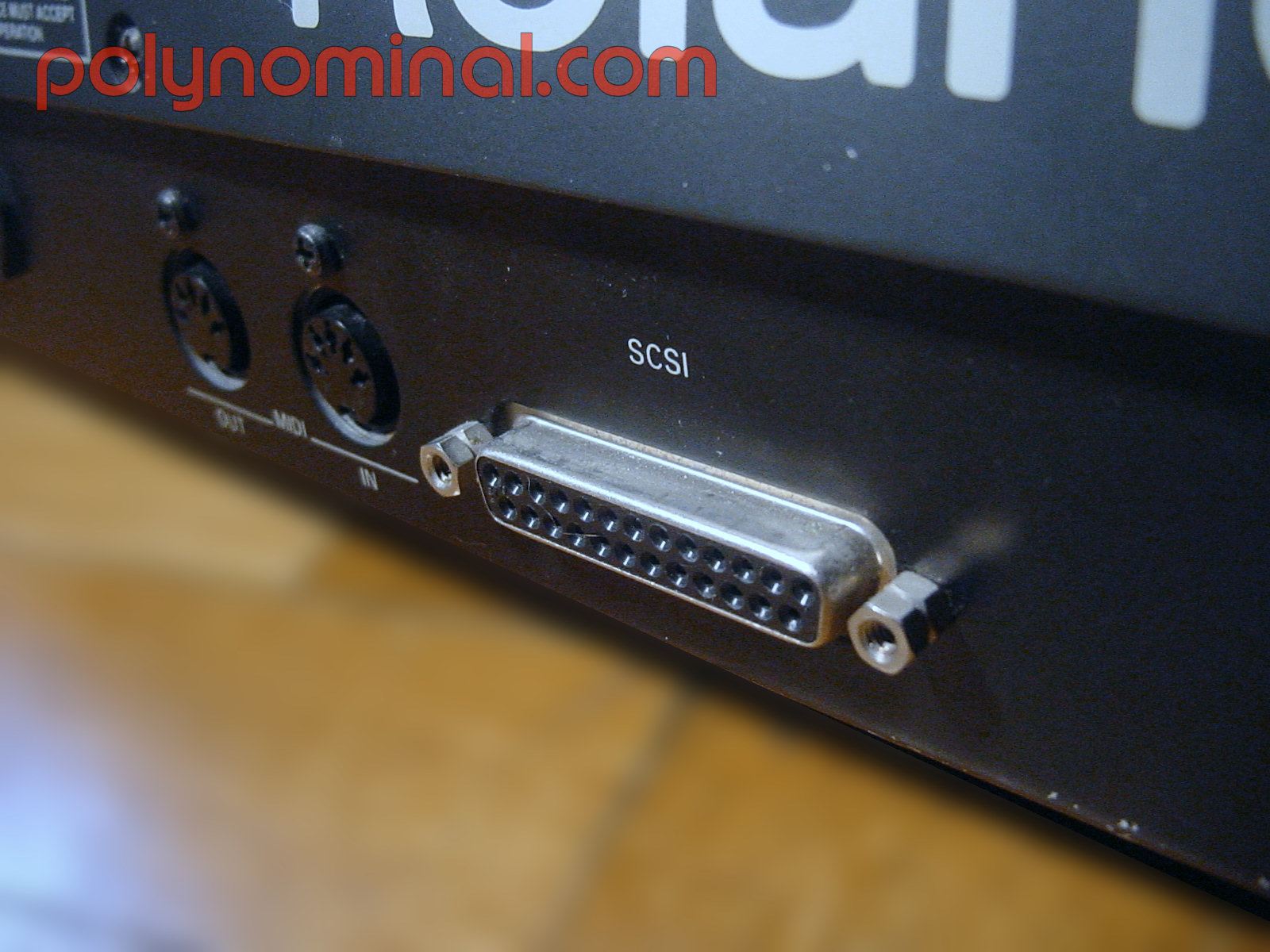
SCSI imports only samples (NOT programs) from Roland S7XX- S550- S330 libraries or even Akai S1000, but system cannot show file name ... and that's a big problem. |
 MEMORY The whole RAM bank is split into DUAL mode for "load while playing" or "sample while playing" functions.
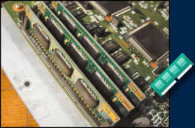 |
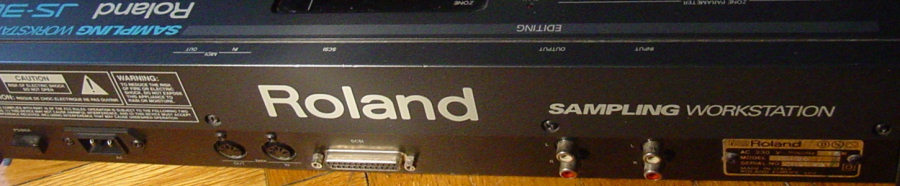
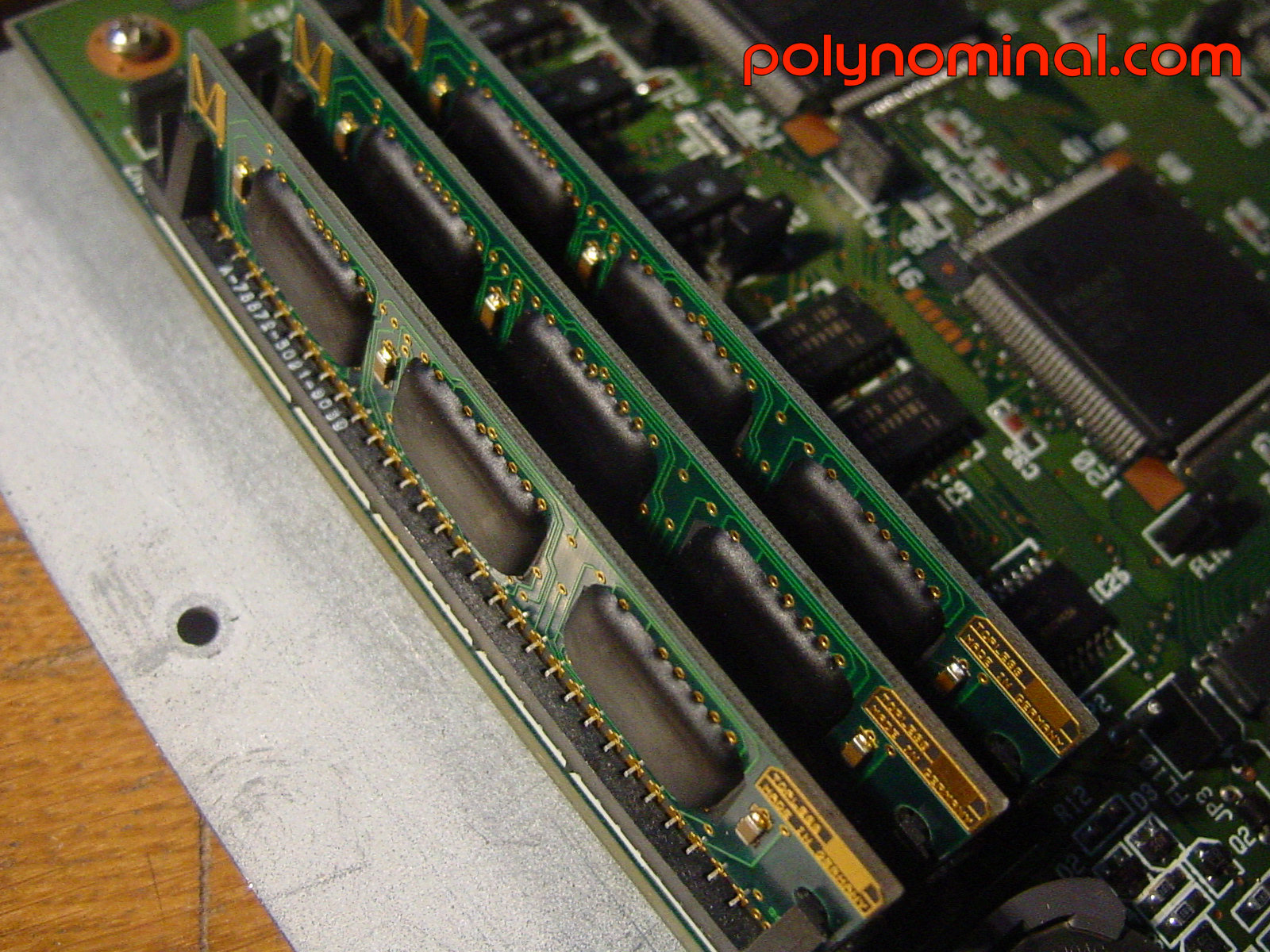
SIMM: factory JS comes with 1 Mb of volatile memory expandable to 4 Mb using standard 30 pins SIMM - for a total sampling time of 22,5 seconds at 44,1 KHz for each mega RAM .
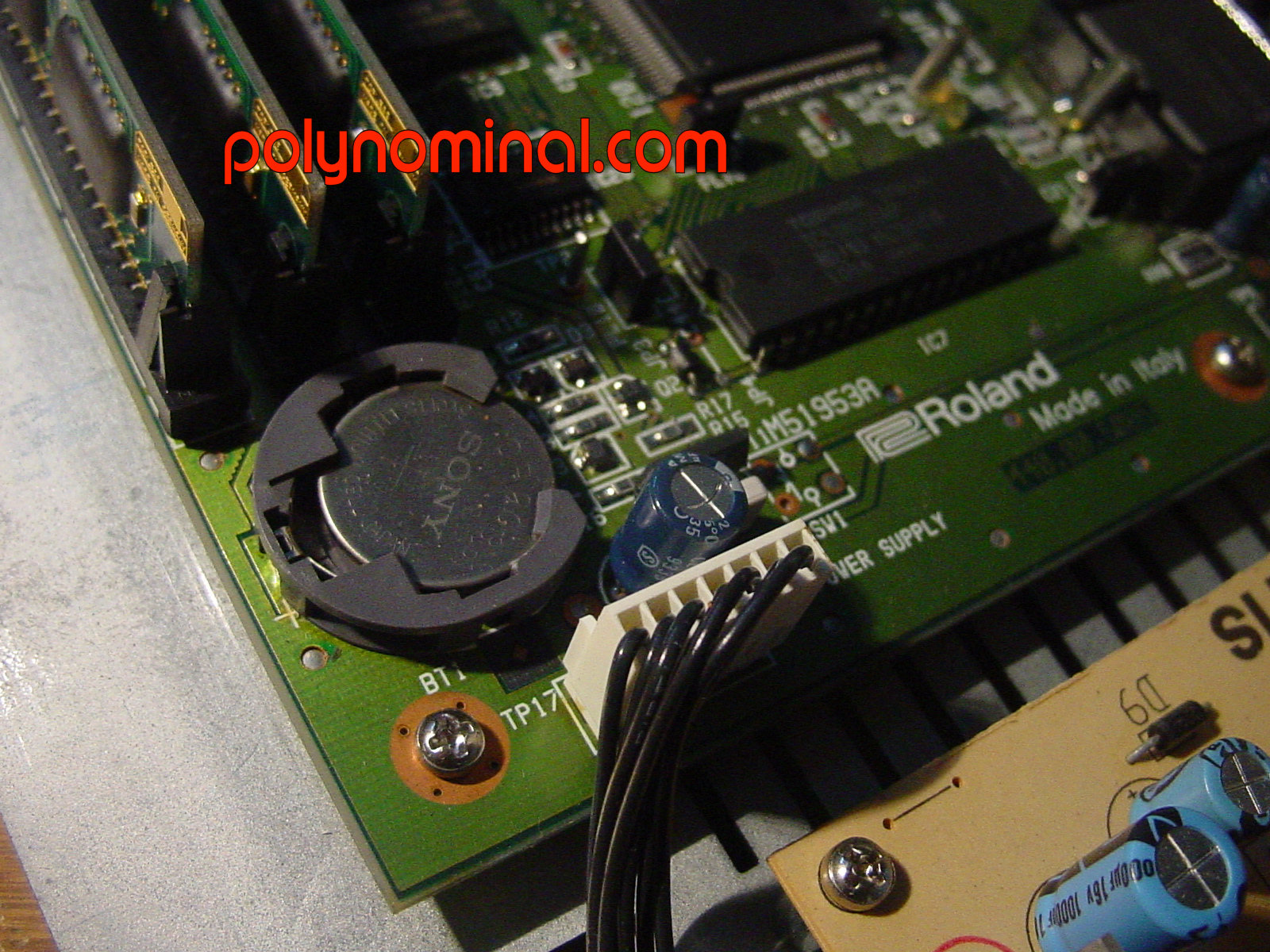
Settings are stored in a memory IC with a standard and cheap CR-2032 battery. OS is stores in a programmable EPROM. |
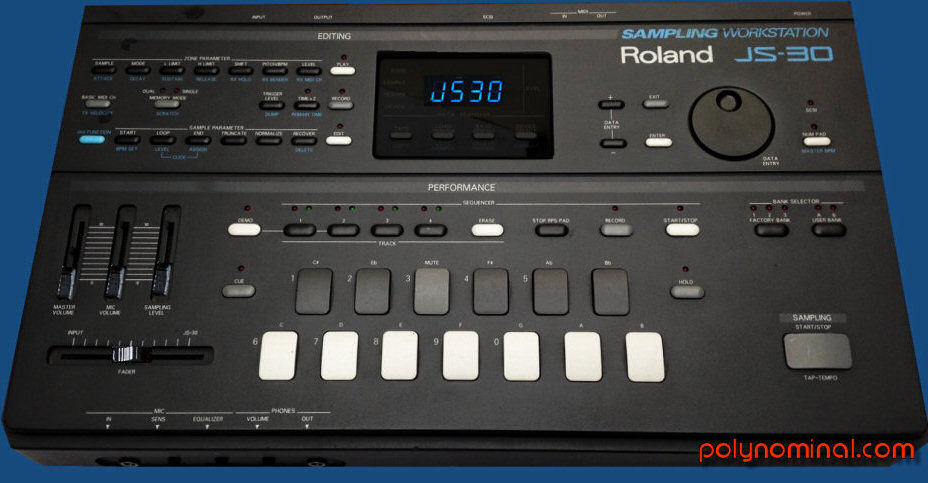
 EDIT INTERFACE too bad today it looks like and unappealing bulky case with an old arranger interface and limited segment display.
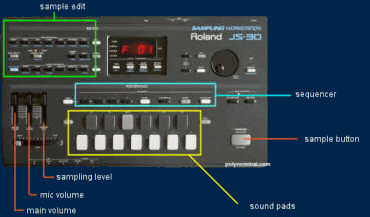 |
TIP from outer space : Special HOLD button keeps a selected sound triggered in loop mode.

|
 ENVELOPE the enveloppe control is a single 4-segment ADSR for amplitude.
 STORAGE internal SCSI interface handles Iomega Zip or even external HD with custom file system (600 MB MAX file system formatted).
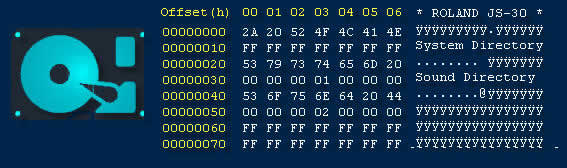
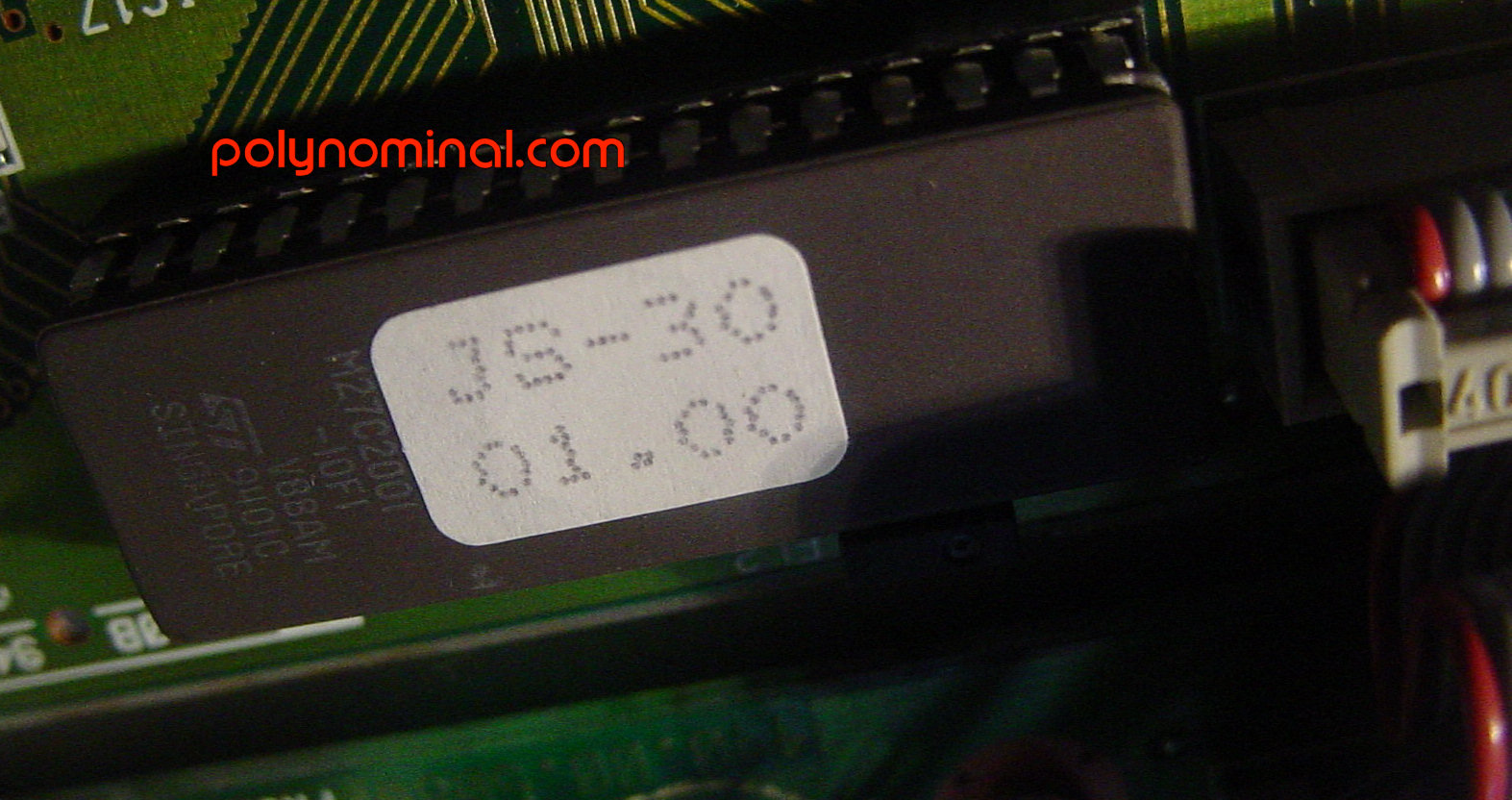
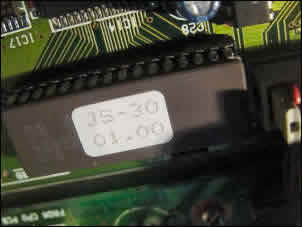
 OS in a programmable EPROM 2 mb M27C2001.
My lasted and known version is V1.0, if you have a dump or the lastest version please do send it us, it will be available here for FREE - UPLOAD
 SEQUENCER a simple 4 RPS tracks and 2 records modes:
 |
- real-time
-
step input
SYNC: the JS-30 can be synched with external Midi clock |

 Country: Japan
 : 100€
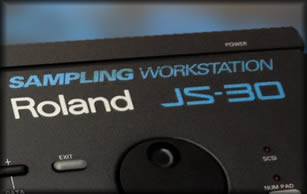
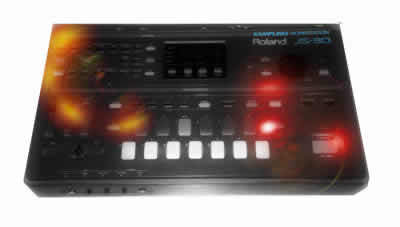
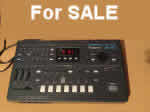
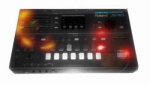 Roland JS-30 sampler









 SPECIAL AWARDS: